
Posted in Sage on by James Turnbull
How do I stop manually entering orders into Sage?
Mentioned in this article
If your team is spending hours every day manually entering orders into Sage, you're not alone. Many growing businesses still rely on copying order data between ecommerce platforms, marketplaces, CRM systems, and Sage accounting software. While this may seem manageable at first, manual order entry quickly becomes a bottleneck as order volumes increase.
The good news is that manual data entry is no longer necessary. By automating your order processing with Sage integrations, you can eliminate repetitive tasks, reduce errors, and free up your team to focus on more valuable work.
In this guide, we'll explain why manual order entry causes problems, how automation solves them, and how Zynk can help.
Why is manual order entry into Sage a problem?
Manually entering orders into Sage may appear straightforward, but it often creates hidden costs throughout your business.
Common challenges include:
- Human errors such as incorrect quantities, pricing, or customer details
- Delays between receiving an order and processing it
- Increased labour costs as order volumes grow
- Difficulty scaling operations during busy periods
- Poor customer experiences caused by fulfilment delays
- Time spent reconciling discrepancies between systems
Even highly experienced teams can make mistakes when entering hundreds of orders every week. These errors can lead to incorrect invoices, stock inaccuracies, and frustrated customers.
What causes businesses to manually enter orders?
Many businesses use multiple systems that don't naturally communicate with each other.
For example, a business might take orders through an ecommerce platform such as Shopify, WooCommerce or Magento and through online marketplaces, manage customers in a CRM system, fulfil orders from a warehouse management system and keep its accounts in Sage.
Without integration, staff often export reports, copy data between systems, or manually recreate orders in Sage.
This process is not only time-consuming but also creates opportunities for mistakes at every stage.
How can order automation help?
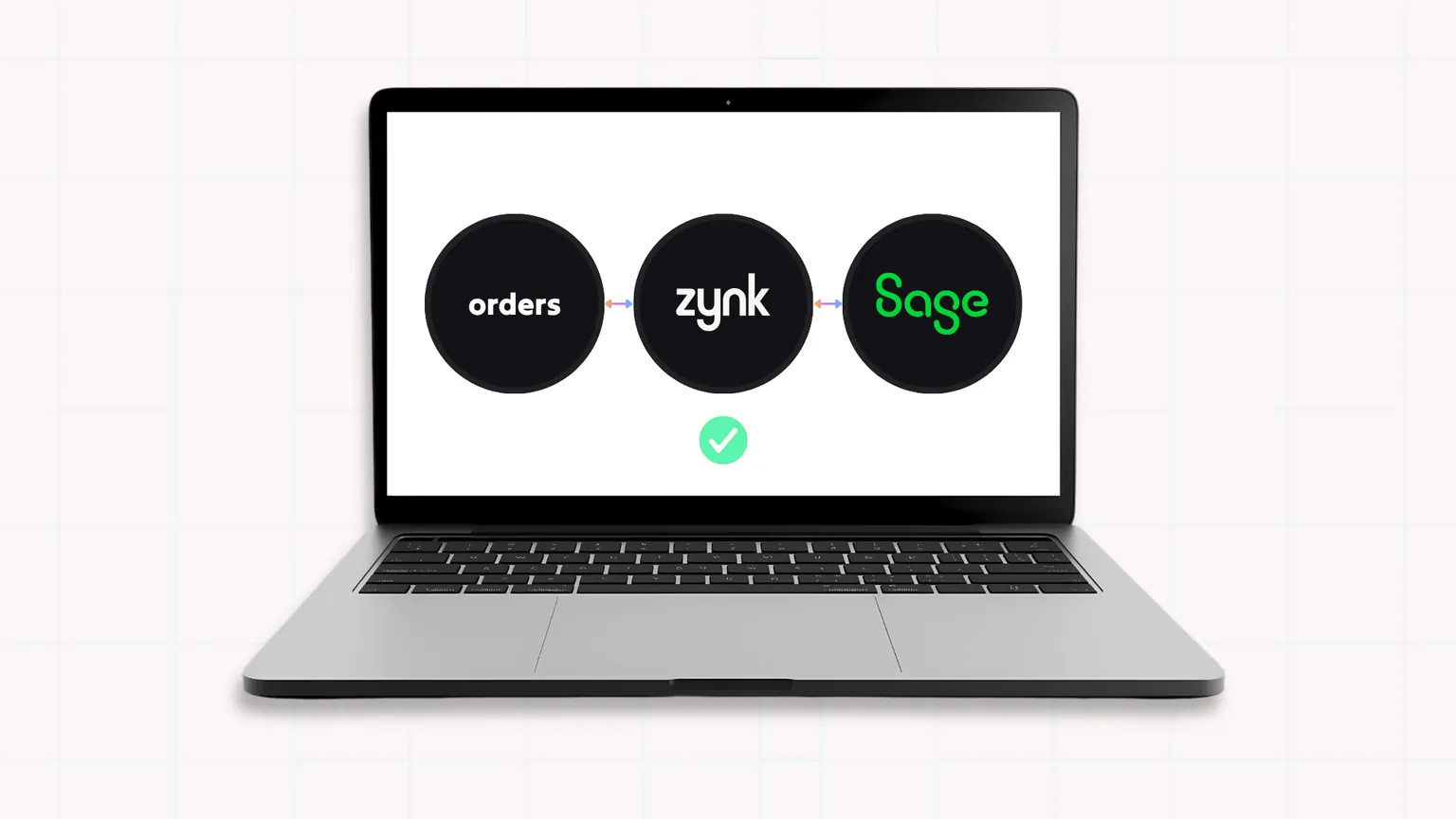
Order automation automatically transfers order data from your sales channels into Sage without manual intervention.
Instead of staff entering orders one by one, an integration platform handles the process automatically.
Automated order processing can:
Save time
Orders are transferred directly into Sage as soon as they are placed, eliminating repetitive administrative tasks.
Reduce errors
Automated data synchronisation removes the risk of typing mistakes and inconsistent information.
Improve customer service
Faster order processing means quicker fulfilment and more accurate communication with customers.
Support business growth
As order volumes increase, automation scales with your business without requiring additional administration resources.
Provide better visibility
Automated data synchronisation ensures everyone is working from the same information across all systems.
How does Zynk help automate orders into Sage?
Zynk Autopilot is an agentic integration platform that connects Sage with ecommerce platforms, marketplaces, inventory systems, payment providers, and other business applications.
Rather than manually transferring information between systems, Zynk automatically synchronises data across your technology stack.
With Zynk, businesses can:
- Automatically import sales orders into Sage
- Synchronise customer information
- Update stock levels across systems
- Automate invoice creation
- Reconcile payments
- Connect multiple sales channels to a single accounting system
This creates a seamless flow of information throughout the business, reducing manual work and improving operational efficiency.
Which systems can be integrated with Sage?
Many businesses choose to integrate Sage with:
- Shopify
- WooCommerce
- Magento
- BigCommerce
- Amazon
- eBay
- CRM systems
- Inventory management software
- Warehouse management systems
- Payment gateways
By connecting these systems to Sage, businesses can eliminate duplicate data entry and create a more efficient workflow.
Signs it's time to automate Sage order entry
You may benefit from automation if:
- Staff spend hours entering orders each day
- Order errors are becoming more common
- Your business is growing rapidly
- Customer service teams are chasing order information
- Finance teams spend time correcting data discrepancies
- You struggle to keep inventory records accurate
If any of these challenges sound familiar, automating your order processing could deliver immediate improvements.
Benefits of automating orders into Sage
Businesses that automate order processing typically experience:
- Faster order fulfilment
- Reduced administration costs
- Improved data accuracy
- Better inventory visibility
- Enhanced customer experience
- Increased scalability
- More productive teams
Instead of spending valuable time on repetitive data entry, employees can focus on customer service, business development, and strategic initiatives.
Stop entering orders into Sage manually
Manual order entry may have worked when your business was smaller, but it can quickly become a barrier to growth. Automation allows you to streamline operations, reduce errors, and create a connected business ecosystem.
With Zynk Autopilot, you can automatically synchronise orders, customers, inventory, invoices, and payments between Sage and your other business systems, helping your team save time and scale more effectively.
If you're ready to stop manually entering orders into Sage, automation could be the next step towards a more efficient and profitable business.
What's the best way to automate order entry into Sage?
The most effective approach is to connect Sage to your ecommerce, CRM, or order management systems using an integration platform.
Why am I entering the same order data into multiple systems?
Businesses often use disconnected systems that don't share data automatically, leading to duplicate manual entry.
How can I reduce order processing errors in Sage?
Automating data synchronisation between systems eliminates manual entry and significantly reduces human error.
Can Sage automatically receive orders from my website?
Yes. Sage can automatically receive orders from ecommerce platforms when connected through an integration solution.
When should I automate my Sage order processing?
If your team spends hours entering orders, correcting mistakes, or managing growing order volumes, it's time to consider automation.
Automate your way to success with Zynk
Take the first step towards effortless automation.
Get in touch