
Accounting and ERP
Sage Business Cloud Accounting Integration
Zynk's Sage Business Cloud Accounting integration connects Sage Accounting, Sage's cloud bookkeeping software for small businesses, to the shops, marketplaces and CRMs where sales begin. Sales invoices, credit notes, customer payments and purchase invoices post into Sage automatically, while products, stock items, quotes and invoices export back, so a small team keeps the books current without rekeying.
Benefits
Why businesses connect Sage Business Cloud Accounting
Every sale becomes an invoice
Orders from Shopify, WooCommerce or eBay post to Sage Accounting as sales invoices against the right customer, with VAT rates mapped, so the sales ledger is complete without anyone typing up the day's orders.
Refunds recorded as credit notes
When a shop issues a refund, Zynk raises a matching sales credit note in Sage Accounting, so turnover and VAT reflect what customers kept rather than what they first ordered.
Payments allocated as they land
Contact payments import against the invoices they settle. Sage Accounting marks those invoices as paid, and bank reconciliation starts from recorded payments instead of unexplained money in the account.
VAT figures you can file
Sage Accounting prepares and submits VAT returns for Making Tax Digital. Zynk delivers the invoices and credit notes behind that return with the correct tax rates, so the figures reflect every sale and refund.
Products and stock in step
Products, services and stock items export from Sage Accounting to your shop or marketplace, and new items can import the other way, so the catalogue and the books describe the same things.
Start with Autopilot
Zynk Autopilot is no-code, so a standard connection can be set up without building a workflow. When the business needs custom rules, Zynk Workflow adds them with low-code tools.
Capabilities
What you can do with Sage Business Cloud Accounting
Every task the Zynk Sage Business Cloud Accounting connector can run, grouped by the direction data moves.
Import into Sage Business Cloud Accounting
Data Zynk writes into Sage Business Cloud Accounting
10 tasks
- Contact payments → into Sage Business Cloud Accounting
- Customers → into Sage Business Cloud Accounting
- Products → into Sage Business Cloud Accounting
- Purchase credit notes → into Sage Business Cloud Accounting
- Purchase invoices → into Sage Business Cloud Accounting
- Sales credit notes → into Sage Business Cloud Accounting
- Sales invoices → into Sage Business Cloud Accounting
- Services → into Sage Business Cloud Accounting
- Stock items → into Sage Business Cloud Accounting
- Suppliers → into Sage Business Cloud Accounting
Export out of Sage Business Cloud Accounting
Data Zynk reads out of Sage Business Cloud Accounting
21 tasks
- Artefact statuses → out of Sage Business Cloud Accounting
- Bank accounts → out of Sage Business Cloud Accounting
- Contact payments → out of Sage Business Cloud Accounting
- Contacts → out of Sage Business Cloud Accounting
- Customers → out of Sage Business Cloud Accounting
- Ledger accounts → out of Sage Business Cloud Accounting
- Products → out of Sage Business Cloud Accounting
- Purchase credit notes → out of Sage Business Cloud Accounting
- Purchase invoices → out of Sage Business Cloud Accounting
- Purchase quick entries → out of Sage Business Cloud Accounting
- Query → out of Sage Business Cloud Accounting
- Sales credit notes → out of Sage Business Cloud Accounting
- Sales estimates → out of Sage Business Cloud Accounting
- Sales invoices → out of Sage Business Cloud Accounting
- Sales quick entries → out of Sage Business Cloud Accounting
- Sales quotes → out of Sage Business Cloud Accounting
- Service rate types → out of Sage Business Cloud Accounting
- Services → out of Sage Business Cloud Accounting
- Stock items → out of Sage Business Cloud Accounting
- Suppliers → out of Sage Business Cloud Accounting
- Tax rates → out of Sage Business Cloud Accounting
Need something that isn't listed?
Most Sage Business Cloud Accounting projects include at least one custom step. Our team builds it for you.
The problem
Why integrate Sage Business Cloud Accounting?
Sage Accounting keeps a small business's books tidy, provided someone feeds it. Online orders, refunds, marketplace sales and customer payments all start somewhere else, and copying them across eats into evenings and weekends. Mistakes surface at VAT time, and stock in the shop drifts from what the books say.
Without integration
- Each online order typed up as a Sage invoice
- Refunds forgotten until the VAT return does not add up
- Invoices still showing unpaid after the customer has paid
- Supplier bills piling up in an inbox
- Quotes and estimates the sales team cannot see
With Zynk
- Orders post as sales invoices with VAT rates mapped
- Refunds become sales credit notes as soon as they are issued
- Contact payments import and allocate against the right invoices
- Purchase invoices and credit notes import from the system that captured them
- Sales quotes and estimates export to your CRM
How it works
How the Sage Business Cloud Accounting integration works
Step 1: Sign in to Sage Accounting
You authorise Zynk to reach your Sage Accounting business through Sage's own sign-in, then connect your shop, marketplace or CRM. Both connections are checked before any data moves.
Step 2: Choose ledgers, tax rates and items
Sales channels map to ledger accounts, store tax classes to Sage tax rates, and shop SKUs to Sage products, services or stock items, so each invoice line posts where your accountant wants it.
Step 3: Check a sample
A handful of recent orders, refunds and payments run first. You compare the invoices, credit notes and allocations in Sage Accounting with the source before switching the connection on.
Step 4: Let it run
Zynk then runs on the schedule you set and sends an alert when something needs a look, such as a product code Sage does not recognise.
Integrations
What can you connect to Sage Business Cloud Accounting?




Example use cases for Sage Business Cloud Accounting integration


Sage Business Cloud Accounting and Shopify
Post Shopify orders to Sage Accounting as sales invoices with payments allocated, and send stock levels back so the store reflects the stock items you hold.

Sage Business Cloud Accounting and WooCommerce
Bring WooCommerce orders and refunds into Sage Accounting as invoices and credit notes, and keep shop products aligned with the products held in Sage.

Sage Business Cloud Accounting and eBay
Record eBay sales in Sage Accounting as invoices, and send stock quantities from Sage to eBay so listings never offer more than you actually hold.

Sage Business Cloud Accounting and HubSpot
Create Sage Accounting customers from HubSpot contacts, and share quotes, estimates and invoices back so sales can follow up from one place.
Templates
Sage Business Cloud Accounting integration templates
Ready-made Sage Business Cloud Accounting integrations. Each one sets out what syncs, in which direction and how it's set up.
 Amazon to Sage AccountingPost Amazon sales into Sage Accounting as invoices and refunds as credit notes, automatically.OrdersRefundsView template
 Articles
Articles related to Sage Business Cloud Accounting

Streamlining operations with Amazon and Sage integration
Amazon and Sage integration automates order processing, inventory management, and financial reporting. Zynk's platform simplifies this connection, eliminating manual data entry and improving operational efficiency for Amazon sellers.
Read more →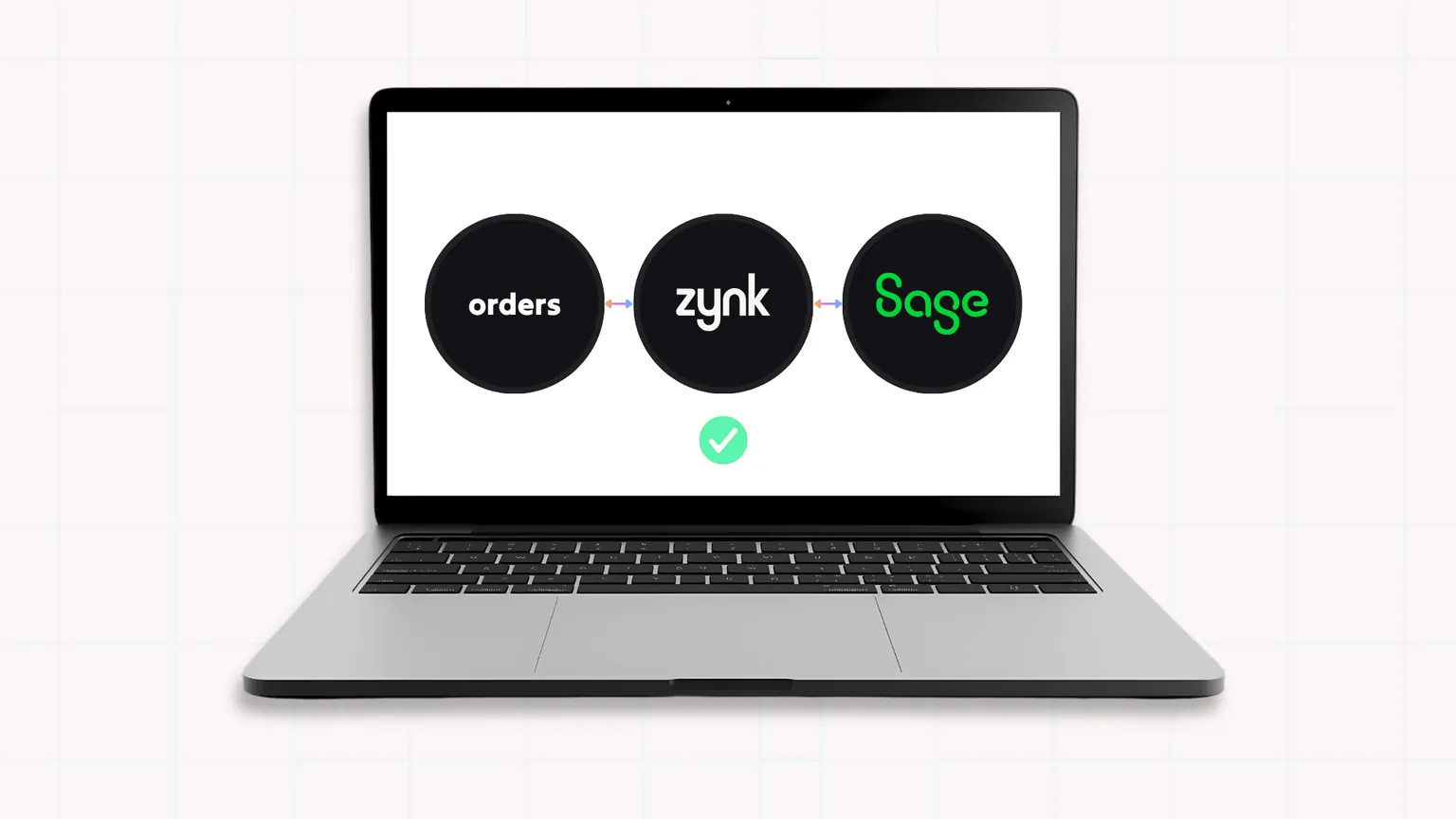
How do I stop manually entering orders into Sage?
If your team is spending hours every day manually entering orders into Sage, you're not alone. Many growing businesses still rely on copying order data between ecommerce platforms, marketplaces, CRM systems, and Sage…
Read more →
Why we rebuilt zynk.com from the ground up
We rebuilt zynk.com as a fast, static, markdown-driven site with no database, and here's the engineering thinking behind why that's the right tool for content-driven work.
Read more →Sage Business Cloud Accounting integration FAQs
Is Sage Business Cloud Accounting the same as Sage Accounting?
Can Shopify sales be posted to Sage Accounting automatically?
Do shop refunds become credit notes in Sage Accounting?
Does it work with Sage Accounting VAT and Making Tax Digital?
What is the difference between Autopilot and Workflow for Sage Accounting?
Which Sage Accounting records does Zynk support?
Can Zynk show invoice payment status in my CRM?
Is there a Sage Accounting API that Zynk uses?
See what Zynk can automate for your Sage Business Cloud Accounting setup
Book a 20-minute call. We'll review your systems, flag the quick wins and outline a practical route to going live.
Book a callSee pricing