
Accounting and ERP
Sage 200 Evolution Integration
Zynk's Sage 200 Evolution integration links the South African edition of Sage's business management software to the online stores, CRMs and service platforms around it. Sales orders, invoices, customers and supplier documents import into Evolution automatically, while customer transactions, GL accounts and branch, department and cost centre lists export out, so finance teams stop rekeying between systems.
Capabilities may differ depending on the product.
Benefits
Why businesses connect Sage 200 Evolution
Web orders straight into Evolution
Orders from Shopify, WooCommerce or Magento arrive in Evolution as sales orders or sales invoices against the right customer account. Nobody has to copy order lines out of the store admin and into Order Entry.
Supplier documents without the typing
Purchase orders and purchase invoices import from your procurement or service platform, with supplier records created or updated first, so Accounts Payable holds every commitment the business has made.
One set of analysis codes
Branches, departments, cost centres and GL accounts export from Evolution, so connected systems pick from the same lists. Documents arrive coded the way your chart of accounts expects, and departmental reports stay trustworthy.
Customer balances your CRM can see
Customer transactions export to Salesforce or HubSpot, so account managers can check invoices, receipts and the outstanding balance before a call, without a login to the accounting system.
VAT coded before it posts
Evolution's tax module supports VAT reporting for SARS. Zynk maps the tax on every incoming order or invoice to the tax codes set up in Evolution, so your VAT figures start from correctly coded documents.
Queries on a schedule
The Export Query task runs a query against your Evolution company and passes the results to a spreadsheet, database or another platform, which suits recurring reports such as open orders by branch.
Capabilities
What you can do with Sage 200 Evolution
Every task the Zynk Sage 200 Evolution connector can run, grouped by the direction data moves.
Import into Sage 200 Evolution
Data Zynk writes into Sage 200 Evolution
8 tasks
- Customer transactions → into Sage 200 Evolution
- Customers → into Sage 200 Evolution
- Purchase invoices → into Sage 200 Evolution
- Purchase orders → into Sage 200 Evolution
- Sales invoices → into Sage 200 Evolution
- Sales orders → into Sage 200 Evolution
- Supplier transactions → into Sage 200 Evolution
- Suppliers → into Sage 200 Evolution
Export out of Sage 200 Evolution
Data Zynk reads out of Sage 200 Evolution
11 tasks
- Branches → out of Sage 200 Evolution
- Cost centres → out of Sage 200 Evolution
- Customer transactions → out of Sage 200 Evolution
- Customers → out of Sage 200 Evolution
- Departments → out of Sage 200 Evolution
- GL accounts → out of Sage 200 Evolution
- Purchase orders → out of Sage 200 Evolution
- Query → out of Sage 200 Evolution
- Sales orders → out of Sage 200 Evolution
- Supplier transactions → out of Sage 200 Evolution
- Suppliers → out of Sage 200 Evolution
Need something that isn't listed?
Most Sage 200 Evolution projects include at least one custom step. Our team builds it for you.
The problem
Why integrate Sage 200 Evolution?
Evolution is often the system of record for a South African business that sells online, manages accounts in a CRM and buys from many suppliers. When those platforms sit apart, staff rekey orders, chase invoice status by email and reconcile codes by hand, and every new branch or channel adds to the load.
Without integration
- Online orders keyed into Evolution line by line at the end of each day
- Account managers asking finance whether a customer has paid
- Supplier invoices sitting in an inbox until someone can capture them
- New customers created twice, once in the CRM and again in Evolution
- Branch and department codes that differ between systems and break reports
With Zynk
- Orders import as sales orders or invoices as soon as Zynk collects them
- Customer transactions export to the CRM so balances are visible to sales
- Purchase invoices and orders import into Accounts Payable automatically
- Customer records import once and stay matched across both systems
- Branches, departments and cost centres export so every system shares one list
How it works
How the Sage 200 Evolution integration works
Step 1: Connect your Evolution company
Zynk connects to the Evolution company you trade in and to each store, CRM or service platform involved. Our team sets up the connections and agrees with you which documents move in each direction.
Step 2: Map accounts and analysis codes
Customer accounts, suppliers, GL accounts, tax codes, branches, departments and cost centres are mapped, so imported documents post with the analysis your management reports rely on.
Step 3: Prove it on sample documents
We run sample orders, invoices and transactions through the workflows, then compare totals, VAT and customer balances with you before switching on for live trading.
Step 4: Schedule and monitor
Workflows run at intervals you choose. Zynk logs every document it creates and alerts your team when one is rejected, for example because a customer account or GL code is missing.
Integrations
What can you connect to Sage 200 Evolution?




Example use cases for Sage 200 Evolution integration


Sage 200 Evolution and Shopify
Bring Shopify orders into Evolution as sales orders or invoices, creating the customer account first when a new buyer appears, so online sales reach the ledger without rekeying.

Sage 200 Evolution and Salesforce
Create Evolution customers and sales orders from Salesforce, then send customer transactions back so the sales team can see invoices, receipts and balances on each account.

Sage 200 Evolution and HubSpot
Turn HubSpot companies and contacts into Evolution customer accounts, and share sales orders with HubSpot so the team knows what each customer has ordered.

Sage 200 Evolution and ConnectWise
Import ConnectWise invoices and purchase orders into Evolution, then return customer payments to ConnectWise so service managers know which invoices are settled.
Articles
Articles related to Sage 200 Evolution
How do I stop manually entering orders into Sage?
If your team is spending hours every day manually entering orders into Sage, you're not alone. Many growing businesses still rely on copying order data between ecommerce platforms, marketplaces, CRM systems, and Sage…
Read more →
Why we rebuilt zynk.com from the ground up
We rebuilt zynk.com as a fast, static, markdown-driven site with no database, and here's the engineering thinking behind why that's the right tool for content-driven work.
Read more →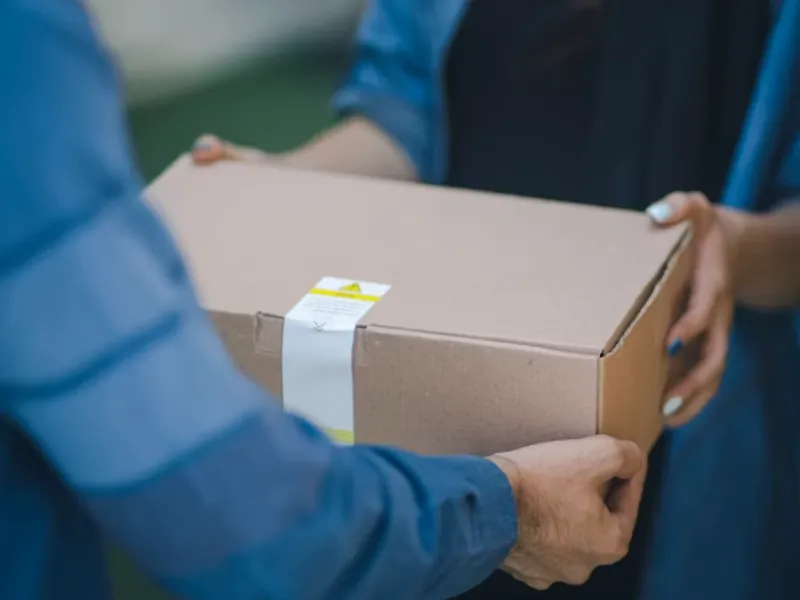
Automate shipping with Sage to save time and prevent lost packages
Manual shipping processes create operational inefficiencies and errors. Zynk's integration solution connects shipping platforms directly to Sage, automating data synchronisation to streamline order management and improve financial accuracy.
Read more →Sage 200 Evolution integration FAQs
What is the difference between Sage 200 Evolution and the UK Sage 200?
Can web shop orders flow into Sage 200 Evolution automatically?
What Evolution records does the connector import and export?
Does the integration work with Evolution Branch Accounting?
Which CRMs can share data with Sage 200 Evolution?
Can supplier invoices go straight into Evolution Accounts Payable?
How quickly can an Evolution integration go live?
Will our team need developers once Evolution is connected?
See what Zynk can automate for your Sage 200 Evolution setup
Book a 20-minute call. We'll review your systems, flag the quick wins and outline a practical route to going live.
Book a callSee pricing →